Small business owners rarely struggle because they need more things to check. They struggle because important work is spread across messages, notes, invoices, calendars, customer requests, employee questions, and half-finished ideas.
A simple daily operations checklist gives the owner or operator one calm routine for reviewing priorities, customers, cash, delivery, and follow-up before the day becomes reactive.
This guide is for solo operators, local service businesses, consultants, creators, freelancers, and small teams that want a practical operating rhythm without building a heavy management process.

What a daily operations checklist is
A daily operations checklist is a short review that helps a business owner see the work that matters most today. It is not a long list of every possible task. It is a repeatable routine for checking the business areas that create avoidable problems when ignored.
The best checklist is simple enough to finish in 10 to 20 minutes and specific enough to change the day. It should help you decide what gets attention, what can wait, who needs a response, and where a small delay could become expensive.
For many small businesses, the checklist becomes the bridge between strategy and execution. The weekly plan may set direction, but the daily review keeps customer promises, sales follow-up, delivery work, and cash movement from drifting.
Why small businesses need an operating rhythm
Without a daily rhythm, the loudest message often wins. A customer text can interrupt quoting. A late invoice can hide until cash gets tight. A new idea can pull attention away from delivery. A low-value task can consume the best working hour of the day.
A daily operations checklist gives the owner a way to pause before reacting. The goal is not to remove surprises. The goal is to catch the predictable issues early enough to handle them calmly.
This matters even more when the business is growing. More leads, customers, orders, projects, and messages create more handoffs. If the owner is the only person who knows what is happening, the checklist becomes a lightweight control panel.
The five areas to review every day
A practical small business operations checklist should cover five areas: priorities, customers, sales, delivery, and cash. Each area should have one or two questions that reveal whether action is needed today.
1. Priorities: what must move today?
Start by choosing the few outcomes that would make the day useful. These should be tied to revenue, customer delivery, risk reduction, or a committed deadline.
- What are the top three outcomes for today?
- Which one should happen before messages and meetings take over?
- What can be delayed, delegated, or removed?
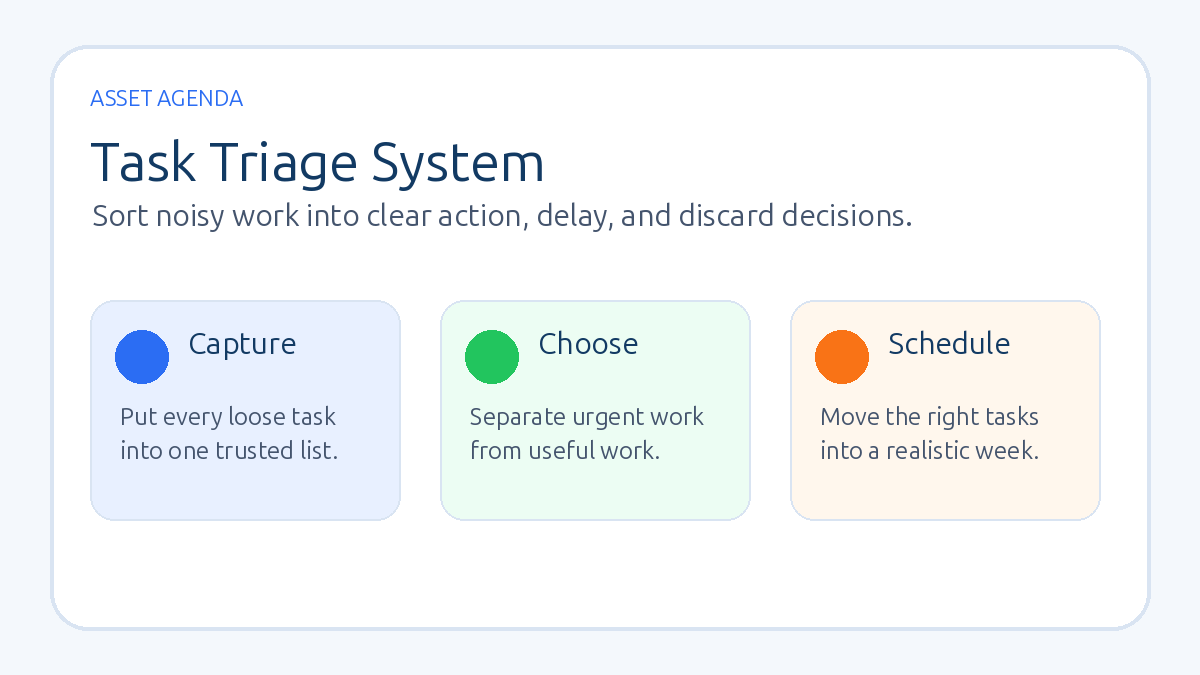
If this area feels messy, use the simple task triage system to separate urgent work, important work, and noise.
2. Customers: who is waiting?
Next, look for customers, prospects, or partners who need a response. This includes new inquiries, booked clients, past buyers, open support questions, and people who were promised an update.
- Who needs a reply today?
- Who is waiting on a quote, invoice, booking link, document, or delivery update?
- Which customer conversation could become a problem if ignored?
Many small businesses lose trust through silence, not bad work. A daily customer check keeps the business responsive without requiring all-day inbox monitoring.
3. Sales: what follow-up should happen?
Sales follow-up should not depend on memory. Review the active opportunities and decide which next steps are due.
- Which new leads need a first response?
- Which quotes or proposals need follow-up?
- Which past conversations should be closed, moved forward, or marked as not a fit?
If sales conversations are scattered, a lightweight CRM can help. Start with the simple CRM system for solo businesses before investing in more complex software.
4. Delivery: what work is at risk?
Delivery is where small problems become refunds, rework, rushed weekends, or disappointed clients. A daily delivery check asks whether promised work is still on track.
- What must be produced, shipped, completed, or reviewed today?
- Which project, order, or appointment has a blocked next step?
- Who owns the next action?
For small teams, pair this with a simple project board or shared work list. The project management system for small teams explains how to keep that process clear without overbuilding it.
5. Cash: what changed?
Cash should be reviewed briefly every business day, especially in service businesses and small online businesses with uneven revenue. This is not a full finance meeting. It is a quick scan for payment movement and risk.
- What money came in?
- What invoices, bills, subscriptions, refunds, or chargebacks need attention?
- What upcoming expense or payment could affect the next two weeks?
If cash visibility is weak, use the cash flow checkup guide to build a weekly version of this review.
A 15-minute daily checklist example
Here is a simple version a business owner can run at the start of the day:
- Top three: write the three outcomes that matter most today.
- Customer waiting list: check new inquiries, booked customers, active clients, and open questions.
- Sales next steps: send due follow-ups, confirm calls, and close dead opportunities.
- Delivery risk: review active work and unblock anything needed today.
- Cash movement: check payments received, invoices due, and near-term obligations.
- Calendar reality: compare the plan with available time and remove one low-value item.
The final step matters. A checklist should create a realistic day, not a longer wish list. If the calendar cannot support the plan, adjust the plan before the day starts.
How to use the checklist without making it heavy
Keep the checklist in the tool you will actually open: a notebook, notes app, spreadsheet, task manager, CRM dashboard, or project board. The format matters less than the habit.
Use one page or one saved template. If the checklist takes too long to maintain, the process will fade. A small business owner should be able to finish the daily review quickly and move into focused work.
When a recurring issue appears, do not add ten new questions. Create a better system for that one issue. For example, if missed follow-up keeps appearing, build a follow-up process. If delivery blockers keep appearing, improve project ownership. If payment delays keep appearing, improve invoice timing and reminders.
Common mistakes to avoid
The first mistake is turning the checklist into a full business plan. The daily review should not include every metric, idea, and future project. Keep it tied to action.
The second mistake is reviewing tasks without reviewing customers. A business can complete many tasks and still leave important people waiting. Customer status deserves its own daily line.
The third mistake is checking cash only when it feels urgent. A brief daily scan prevents surprises and makes the weekly cash review more accurate.
The fourth mistake is using the checklist as a guilt tool. If the list exposes too much work for one day, that is useful information. Reduce scope, choose the true priorities, and protect the work that matters.
When to automate parts of the checklist
Automation can help after the manual rhythm is clear. Useful automations include lead alerts, appointment reminders, invoice reminders, overdue task notifications, customer status tags, and simple dashboards.
Do not automate confusion. If nobody knows which leads matter, which tasks are late, or which customer status means action, automation will only move the confusion faster. Run the checklist manually for a few weeks, then automate the repeated checks that are stable.
For businesses ready to connect lead capture, follow-up, booking, and pipeline views, a platform like GoHighLevel can be one option. It is most useful when the owner already knows the operating steps that need to be connected.
Daily operations checklist FAQ
How long should a daily operations checklist take?
Most small businesses should aim for 10 to 20 minutes. If it takes longer, the checklist may be trying to replace a weekly planning meeting or a project management system.
Should the owner complete the checklist alone?
Solo operators can complete it alone. Small teams may benefit from a short shared review where each owner confirms priorities, customer risks, delivery blockers, and cash-sensitive items.
What is the best tool for a daily business checklist?
The best tool is the one the operator will use consistently. A simple notes app, task board, spreadsheet, CRM, or printed sheet can all work. Start with clarity before choosing software.
How does this differ from a weekly review?
A weekly review looks at trends, planning, and bigger decisions. A daily operations checklist focuses on today: what must move, who is waiting, what is at risk, and what needs attention now.
Bottom line
A daily operations checklist helps a small business owner see the business before reacting to the day. Keep it short, review the same core areas, and use the answers to protect priorities, customers, delivery, sales follow-up, and cash.
The win is not a perfect checklist. The win is a calmer operating rhythm that makes important work visible every day.
Want a clear next step?
Read the task triage system guide ->