A small business owner rarely runs out of things to do. The harder problem is deciding which tasks deserve attention today and which ones are just noise wearing a tiny business hat.
A simple task triage system helps small business owners sort loose work into clear decisions, so the day is driven by priorities instead of panic.
This guide is for solo operators, local service owners, freelancers, consultants, creators, and small teams who have tasks scattered across notebooks, inboxes, texts, project boards, invoices, and memory. You do not need a giant productivity setup. You need one calm way to decide what gets handled, scheduled, delegated, or dropped.
What a task triage system is
A task triage system is a simple decision process for incoming work. Instead of treating every reminder, idea, request, and problem as equally important, you sort each item into a useful bucket.
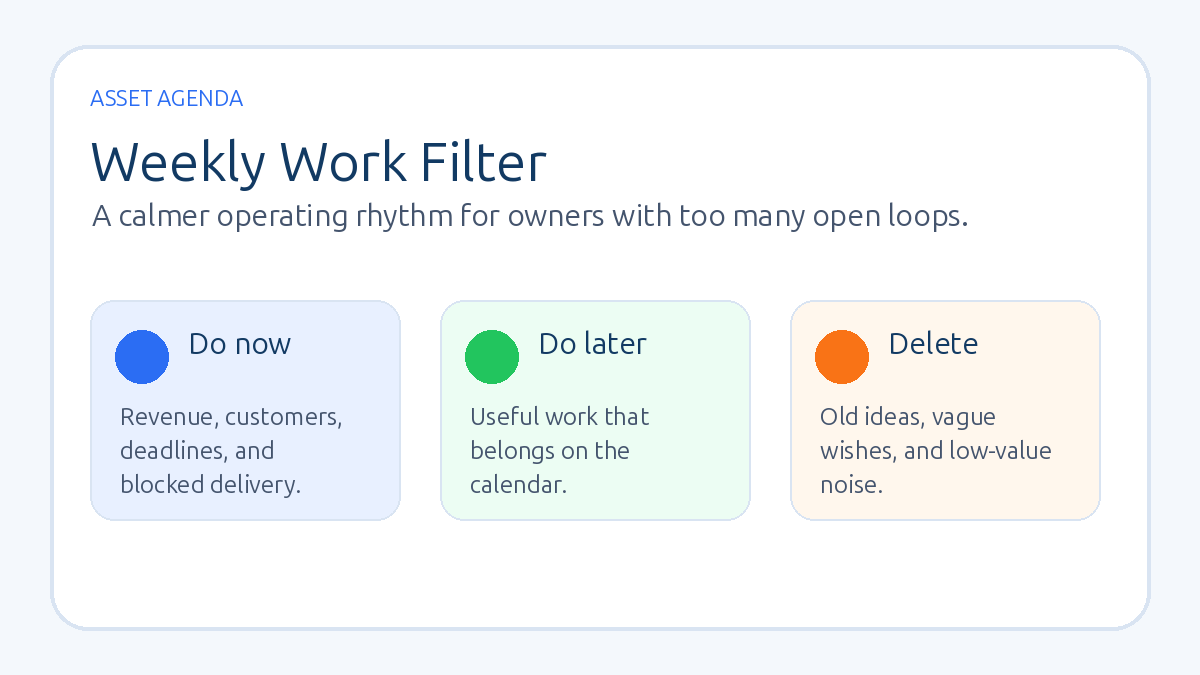
The practical buckets are:
- Do now: tasks tied to revenue, customer experience, delivery, deadlines, or business risk.
- Schedule: useful tasks that matter, but not today.
- Delegate: tasks someone else can handle with a clear outcome.
- Waiting: tasks blocked by another person, payment, file, decision, or reply.
- Remove: old ideas, vague wishes, duplicate reminders, and work that no longer earns its place.
This is different from a normal to-do list. A to-do list collects work. Triage decides what work deserves movement.
Why small business task lists get chaotic
Most task lists become messy because they mix different types of work. A customer follow-up sits beside a random software idea. Payroll sits beside “maybe redesign brochure.” A sales call sits beside a half-remembered note from three weeks ago. The list becomes a junk drawer with deadlines.
That creates three problems. First, important tasks hide beside low-value tasks. Second, the owner spends too much energy re-reading the same items. Third, the day fills with easy work while revenue, follow-up, and delivery wait quietly in the corner like disappointed raccoons.
The four-question triage filter
Use these questions when reviewing tasks:
- Does this protect or create revenue? Sales follow-up, proposal work, renewals, invoices, and customer retention usually deserve early attention.
- Does this protect delivery or trust? Client work, missed promises, customer updates, and quality issues should not drift.
- Does this need to happen this week? If not, schedule it for a later review instead of letting it glare at you every morning.
- Can this be deleted, delegated, or turned into a recurring process? A task that returns every week may need a system, not another reminder.
If an item fails all four questions, it probably does not belong on the active list.
A simple daily task triage routine
Start each workday with a ten-minute review. Pull loose tasks from your inbox, calendar notes, messages, project board, and yesterday’s unfinished work into one capture list. Then sort them quickly.
Choose no more than three priority tasks for the day. One should usually be tied to sales, cash flow, customer follow-up, or delivery. The other two can support operations, content, admin, or longer-term improvement.
Everything else needs a home: a scheduled day, a delegated owner, a waiting label, or removal. Leaving twenty extra tasks in front of you is not ambition. It is visual caffeine with worse side effects.
How to use task triage for sales and cash flow
Revenue tasks should be easy to see. A small business owner can often improve cash flow by giving priority to the tasks that move money through the system:
- replying to warm leads
- sending estimates or proposals
- following up on open quotes
- collecting late invoices
- booking repeat customers
- asking satisfied customers for referrals
- reviewing a stalled sales pipeline
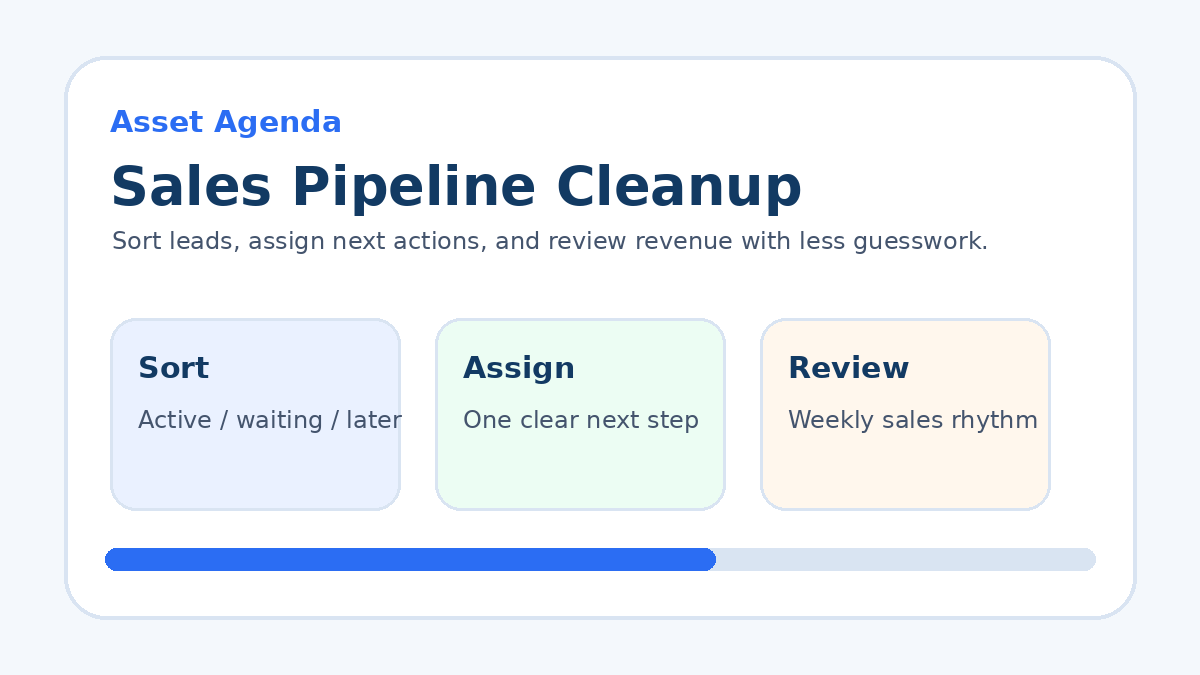
If your sales process feels scattered, pair this routine with a simple sales pipeline cleanup so active leads and next actions are not hiding in five different places.
How to decide what gets delegated
Delegation works best when the outcome is clear. Do not delegate a foggy task like “handle marketing.” Delegate a result like “draft three customer win-back email options by Thursday” or “collect missing invoice details from these five customers.”
Good delegation candidates are tasks that are repeated, documentable, low-risk, or slower only because the owner keeps context-switching. Examples include file cleanup, appointment confirmations, basic reporting, inbox sorting, content formatting, customer review requests, and follow-up reminders.
How to keep the system from becoming another chore
The system should stay intentionally plain. Use one capture spot, one daily review, and one weekly reset. The tool matters less than the habit. A notebook, spreadsheet, task app, CRM, or project board can all work if the decisions are clear.
Once a week, review the waiting list, remove stale tasks, and move any recurring pain into a process. If the same problem appears every Friday, it is no longer a surprise. It is an operating signal.
Common task triage mistakes
- Keeping every idea active: Ideas need a parking lot, not a front-row seat every day.
- Choosing too many priorities: A daily top ten is just a crowded wish list.
- Ignoring customer-facing tasks: Follow-up, delivery, and support usually carry more business weight than tidy admin work.
- Never closing old loops: If a task has been copied forward for a month, decide whether it matters or let it go.
- Using tools before rules: Software can organize decisions, but it cannot make weak priorities strong.
A weekly task triage template
Use this simple structure at the start of the week:
- Revenue: What follow-up, sales, pricing, invoice, or retention task matters most?
- Delivery: What customer promise needs protection?
- Operations: What repeated problem needs a cleaner process?
- Pipeline: Which lead, quote, proposal, or partner conversation needs movement?
- Remove: What can be deleted so the owner has less noise to carry?
This keeps the business from running entirely on incoming requests. It also gives the owner a short operating agenda instead of a giant pile of “I should probably...”
FAQ
What is task triage for a small business?
Task triage is a quick decision process for sorting work by urgency, business impact, owner responsibility, and timing. It helps a business owner decide what to do now, schedule later, delegate, wait on, or remove.
How many priority tasks should a business owner choose each day?
Most owners should choose three meaningful priorities per day. That leaves room for calls, customer issues, admin, and unexpected work without pretending the day has thirty usable hours hiding in a trench coat.
What tasks should be handled first?
Handle tasks tied to revenue, customer trust, delivery deadlines, business risk, or blocked team members first. Easy admin can wait unless it protects one of those outcomes.
Can task triage work without productivity software?
Yes. A notebook or simple spreadsheet can work. The important part is the decision rule, not the tool. The system only needs to capture tasks, sort them, assign a next action, and keep old work from clogging the day.
Want a clear next step?
Read the sales pipeline cleanup guide ->