Many solo businesses do not need a giant software stack. They need one reliable place to see who asked for help, what was promised, when to follow up, and which opportunities are worth attention this week.
A simple CRM system helps a solo business track leads, customers, follow-up, notes, and sales opportunities without turning daily work into software babysitting.
This guide is for freelancers, consultants, local service providers, creators, coaches, and small operators who want a practical customer tracking setup before buying more tools or adding more complexity.

What a simple CRM system is
A CRM system is a customer relationship management setup. In plain language, it is the list and workflow that shows who you know, what they need, where the deal stands, and what should happen next.
For a solo business, a CRM does not have to be complicated. It can start as a spreadsheet, a lightweight sales board, or a small business platform. The tool matters less than the habits: every lead gets captured, every active opportunity has a next step, and every customer has enough context for useful follow-up.
A simple CRM should answer five questions quickly: who is the contact, what do they want, how valuable is the opportunity, when should you follow up, and what is the next action?
Why solo businesses lose revenue without one
Most missed sales do not look dramatic. They look like a note buried in a phone, a quote sent with no reminder, a warm referral sitting in an inbox, or a past customer who would have bought again if someone checked in.
When contacts live across email, text messages, sticky notes, payment apps, social DMs, and memory, follow-up becomes random. Random follow-up is expensive because the business owner only remembers the loudest or newest request.
A CRM gives the business a simple truth board. It reduces mental clutter, makes sales work visible, and helps you separate real opportunities from casual conversations.
The five parts every simple CRM needs
You can build a useful CRM around five basic fields. Add more only when the business clearly needs them.
1. Contact details
Save the name, email, phone number, company name if relevant, and source. Source means where the lead came from: referral, website form, social media, local search, event, partner, or past customer.
2. Need or problem
Write one plain sentence about what the person wants. For example: “needs monthly bookkeeping cleanup,” “wants a fence repair quote,” or “asked about a landing page for a course.” This keeps the conversation grounded.
3. Stage
Use a short status list. A simple version is new lead, contacted, call booked, proposal sent, won, lost, paused, and customer. Avoid twenty stages unless you enjoy creating tiny traffic jams for yourself.
4. Next action
Every active contact needs one next action with a date. Send quote Friday. Call Tuesday. Ask for missing photos. Send onboarding link. Check in after the event. If there is no next action, the opportunity is not really being managed.
5. Value and priority
Not every lead deserves the same speed or energy. Add estimated deal value and a simple priority label: high, medium, or low. This helps you spend time where the return is strongest.
A simple CRM workflow you can use this week
Start with a weekly rhythm instead of a fancy setup. The goal is consistency.
- Capture daily: add every new inquiry before the end of the day.
- Review active leads each morning: look only at contacts with open next actions.
- Follow up in batches: send reminders, recap emails, and quote checks at one scheduled time.
- Update stages immediately after conversations: do not trust memory after a busy day.
- Review the pipeline weekly: close dead items, revive warm ones, and decide what needs attention.
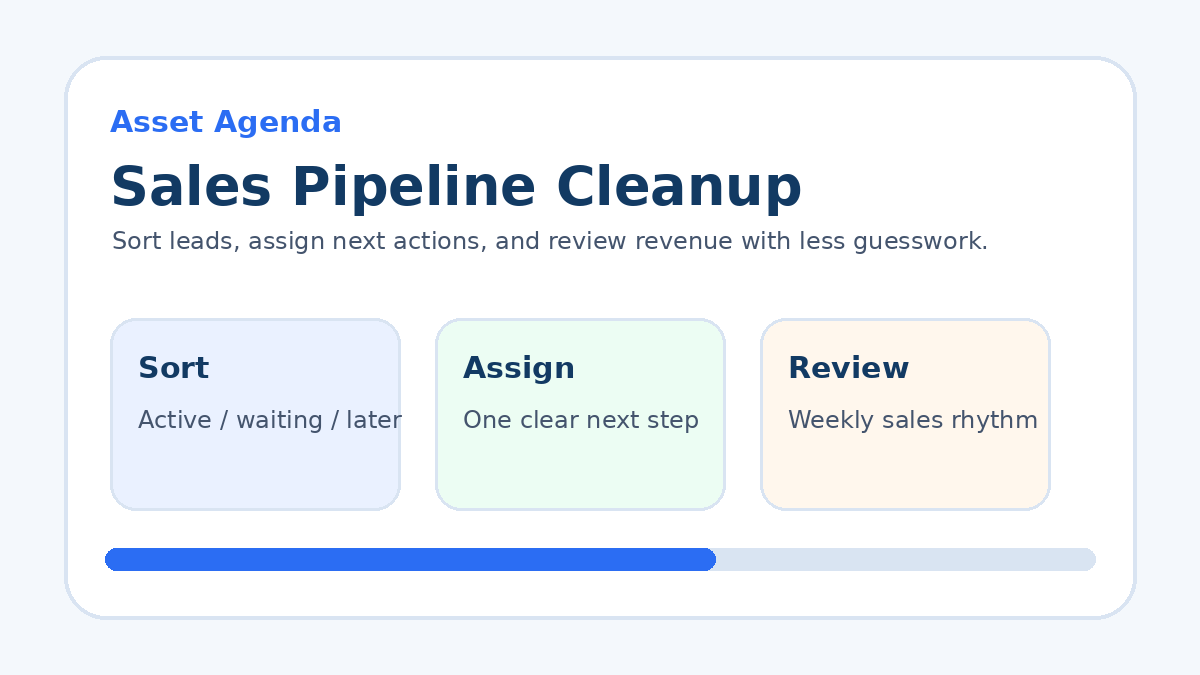
This connects well with a sales pipeline cleanup because the CRM is where the pipeline stays visible after the cleanup is done.
Spreadsheet, lightweight CRM, or all-in-one platform?
A spreadsheet is fine when volume is low and the sales process is simple. Use columns for contact, source, need, stage, next action, next action date, value, and notes. The weakness is automation: spreadsheets do not naturally remind, route, or message people without extra setup.
A lightweight CRM is better when you have steady lead flow, recurring follow-up, multiple offer types, or repeat customers. It can show a pipeline board, keep notes attached to contacts, and make follow-up easier.
An all-in-one platform can make sense when the same business also needs forms, booking, email, SMS, funnels, and automation. For that use case, the GoHighLevel guide is worth reading as one option, especially for service businesses that want lead capture and follow-up in the same place.
Common CRM mistakes to avoid
The first mistake is adding too many fields. A solo operator does not need a corporate database. If a field does not help you sell, serve, retain, or follow up, skip it.
The second mistake is treating the CRM like an archive. A CRM should show the next move, not just hold old contact details.
The third mistake is buying software before defining the process. If you do not know your lead stages, follow-up rhythm, and customer journey, new software only gives confusion a nicer dashboard.
The fourth mistake is ignoring past customers. A CRM is not only for new leads. Add renewal dates, service reminders, review requests, referral prompts, and simple win-back notes where they fit.
Practical example: consultant CRM setup
A consultant could use these stages: new inquiry, discovery call booked, proposal sent, follow-up due, won, paused, lost, and client. Each contact gets a source, problem summary, estimated project value, and next action date.
Every Friday, the consultant reviews proposal sent and follow-up due. They send short reminders, remove poor-fit opportunities, and move won clients into a client onboarding system. That one rhythm can prevent thousands of dollars in forgotten proposals over a year.
Practical example: local service CRM setup
A local service business could track website requests, missed calls, referrals, quote requests, completed jobs, and repeat service reminders. The next action might be “send estimate,” “ask for photos,” “schedule visit,” “request review,” or “check back in ninety days.”
This pairs naturally with a simple estimate follow-up system because many local businesses lose jobs after the quote is sent, not before.
How to know your CRM is working
A working CRM should make your business feel calmer within two weeks. You should know which leads need attention, which deals are stuck, which customers deserve follow-up, and where most opportunities are coming from.
Track a few basic numbers: new leads this week, proposals sent, proposals won, follow-ups completed, repeat customers contacted, and source of closed deals. These numbers make marketing and sales decisions less emotional.
FAQ
What is the best CRM for a solo business?
The best CRM for a solo business is the simplest setup that you will update every day. A spreadsheet can work early. A dedicated CRM helps when lead volume, follow-up, and customer history become harder to manage manually.
When should I stop using a spreadsheet as my CRM?
Move beyond a spreadsheet when you miss follow-ups, need reminders, want email or SMS automation, have repeat customer workflows, or need a clearer pipeline view.
What should I put in a CRM first?
Start with contact details, source, problem summary, stage, next action, next action date, estimated value, and notes. Keep it lean until the business proves it needs more.
Bottom line
A simple CRM system is not about collecting endless data. It is about making sure every lead, customer, and opportunity has a clear place, current status, and next action.
Start lean, update it daily, review it weekly, and let the system earn more complexity only when the business actually needs it.
Want a clear next step?
Read the sales pipeline cleanup guide ->