A digital product does not need to begin as a giant course, polished membership, or fifty-page template library. Many strong offers begin as one useful promise delivered in the simplest format buyers can use.
A minimum viable digital product helps creators, consultants, freelancers, and small operators sell a focused result before spending months building something the market may not want.
This guide explains how to choose the first product idea, package it simply, price it honestly, and use early buyer feedback to decide what to improve next.
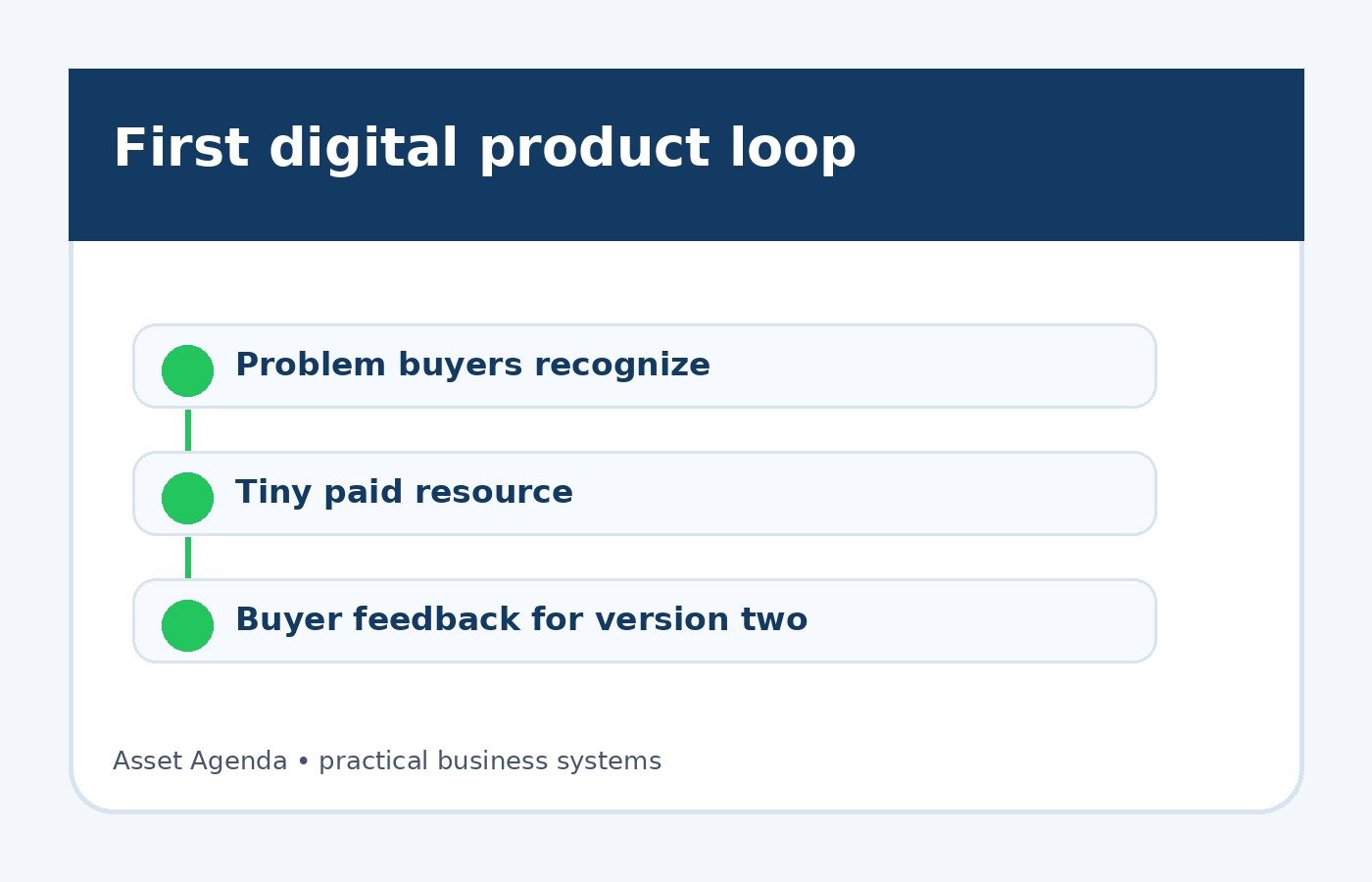
What a minimum viable digital product is
A minimum viable digital product is the smallest paid resource that can deliver a clear outcome for a specific buyer. It might be a checklist, spreadsheet, mini-workshop, paid guide, script pack, calculator, template, swipe file, audio lesson, or short implementation bundle.
The point is not to sell something weak. The point is to remove unnecessary scope so the first version can be useful, affordable to create, and easy to improve from real buyer behavior.
A good first digital product has three traits: a specific buyer, a painful or valuable problem, and a format that helps the buyer make progress without needing a huge learning curve.
Why small digital products are useful
Small products give you market feedback faster than a large launch. They also reduce the risk of hiding in build mode, which is where many good ideas go to wear sweatpants forever.
A focused product can help you:
- Validate demand before building a larger offer.
- Create a low-friction entry point for new buyers.
- Turn existing expertise into a simple asset.
- Learn which problems people will actually pay to solve.
- Build a buyer list for future services, templates, workshops, or courses.
Choose a problem buyers already recognize
The safest first product solves a problem buyers can name without a long explanation. If people already ask about it, complain about it, search for it, or pay someone to help with it, you are closer to a sellable idea.
Examples:
- A freelancer sells a proposal pricing worksheet for service quotes.
- A local marketer sells a missed-call response script pack.
- A creator sells a content repurposing tracker for weekly publishing.
- A consultant sells a client onboarding checklist.
- An affiliate publisher sells a buyer comparison worksheet for choosing software.
Notice that each idea is narrow. Narrow is not a weakness at this stage. Narrow makes the promise easier to understand.
Pick the simplest useful format
The format should match the buyer's task. A spreadsheet works when the buyer needs calculations or tracking. A script pack works when the buyer needs language. A checklist works when the buyer needs order. A short video works when the buyer needs demonstration.
Do not choose a format because it looks impressive. Choose the one that helps the buyer finish the job with the least confusion.
- Checklist: best for processes with clear steps.
- Template: best when the buyer needs a starting document.
- Spreadsheet: best for pricing, tracking, planning, or simple math.
- Script pack: best for sales, follow-up, outreach, and support messages.
- Mini-workshop: best when buyers need explanation plus examples.
Build the first version around one promise
Your first product should not try to solve the buyer's whole business. It should solve one defined moment.
Instead of “complete business growth system,” use a promise like “price your first three service packages,” “write a five-email welcome sequence,” or “set up a weekly cash-flow review.” The smaller promise is easier to believe and easier to deliver.
If your topic is follow-up, the product might pair well with a guide like the lead magnet follow-up system. If the product helps creators package recurring value, connect it to the paid newsletter offer guide. If it helps freelancers sort service levels, connect it to the offer ladder guide.
Price the first version honestly
Early pricing should reflect usefulness, buyer urgency, and the amount of support included. A simple no-support template may be inexpensive. A worksheet plus a live walkthrough can be priced higher because the buyer gets help applying it.
Common starting ranges:
- $9 to $29 for a simple checklist, swipe file, or starter template.
- $29 to $99 for a deeper template, workbook, spreadsheet, or script bundle.
- $99 to $299 for a mini-workshop, implementation kit, or bundle with examples.
Do not pretend a small product will make buyers rich overnight. Keep the promise grounded: save time, reduce confusion, improve a specific decision, or help them take the next step with more confidence.
Create the sales page in plain language
The sales page does not need to be fancy. It needs to be clear. Lead with the buyer's problem, explain the outcome, show what is included, name who it is for, name who it is not for, and answer the obvious questions.
A simple page structure:
- Headline: the outcome in plain language.
- Intro: who it helps and what problem it solves.
- Included items: each file, lesson, template, or example.
- Use cases: when the buyer should use it.
- FAQ: delivery, refunds, support, skill level, and updates.
- Checkout button: one clear action.
If you later need forms, email delivery, pipeline tracking, or appointment follow-up around a higher-ticket version, GoHighLevel is one tool worth comparing. For a tiny first product, a simple checkout and email delivery setup may be enough.
Use early buyers as a feedback loop
After the first sales, pay attention to what buyers ask, where they get stuck, and which parts they use most. That tells you what version two should become.
Useful signals include:
- Questions people ask before buying.
- Confusing sections buyers mention after purchase.
- Examples they request more of.
- Extra services they ask you to provide.
- Repeat problems that could become the next product.
Do not rebuild everything after one opinion. Look for repeated patterns. Calm data beats one loud comment doing jazz hands in the corner.
Minimum viable digital product checklist
- Choose one buyer type.
- Choose one specific problem.
- Choose the simplest useful format.
- Write one clear product promise.
- Create the asset, examples, and delivery file.
- Build a short sales page.
- Set up payment and delivery.
- Send a helpful follow-up email after purchase.
- Review buyer questions weekly.
- Improve the product from repeated feedback.
FAQ
How long should it take to create a minimum viable digital product?
Many first products can be built in a weekend or a few focused work sessions if the topic is narrow. If it takes months, the scope is probably too large for the first version.
Can a minimum viable digital product become a bigger business?
Yes. A small product can become a bundle, course, service, paid newsletter, membership, consulting package, affiliate resource, or lead-in offer. The first version is a learning tool as much as a revenue asset.
What if the first product does not sell?
Use the result as feedback. The problem may be too weak, the audience may be wrong, the promise may be unclear, or the offer may need a better distribution path. Fix one variable at a time.
The bottom line
A minimum viable digital product is a practical way to turn knowledge into a sellable asset without overbuilding. Pick one buyer, one problem, one format, and one clear promise. Sell the smallest useful version, learn from real buyers, and improve from there.
Want a clear next step?
Read the paid newsletter offer guide ->